Getting Started with cURL

Before a frontend shows anything on the screen, a backend server has to respond to a request. That request can come from a browser, a mobile app, or another server. As developers, we often need a simple way to talk to servers directly and see what they return.
That is where cURL comes in.
What Is a Server and Why Do We Talk to It?
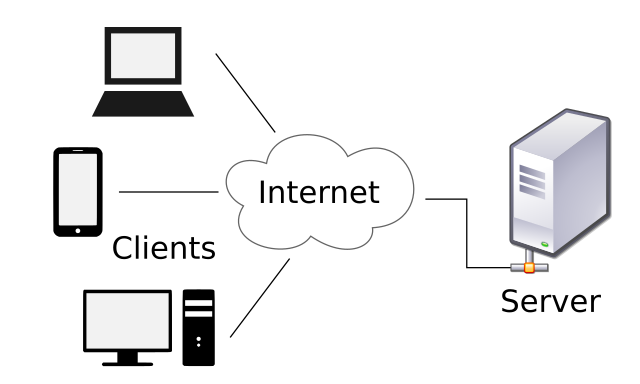
A server is just a computer that waits for requests and sends responses.
When you:
Open a website
Call an API
Submit a form
you are sending a request to a server. The server processes it and sends back a response.
Normally, the browser hides this process from you. cURL lets you see it clearly.
What Is cURL ?
cURL is a command-line tool that lets you send requests to a server and see the response.
You can think of it as:
A browser without a screen
A way to talk to servers from the terminal
It works with many protocols, but most developers use it for HTTP and HTTPS.
Why Programmers Need cURL
Developers use cURL because it:
Works without a browser
Helps test APIs quickly
Shows raw server responses
Is available on almost every system
Is useful for debugging backend issues
If you work with APIs, servers, or microservices, cURL becomes a daily tool.
Making Your First cURL Request
Let’s start with the simplest possible command.
curl https://example.com
This command:
Sends an HTTP request to the server
Downloads the response
Prints it in the terminal
What you see is the HTML content of the page, just like what a browser would receive.
What Just Happened Behind the Scenes?
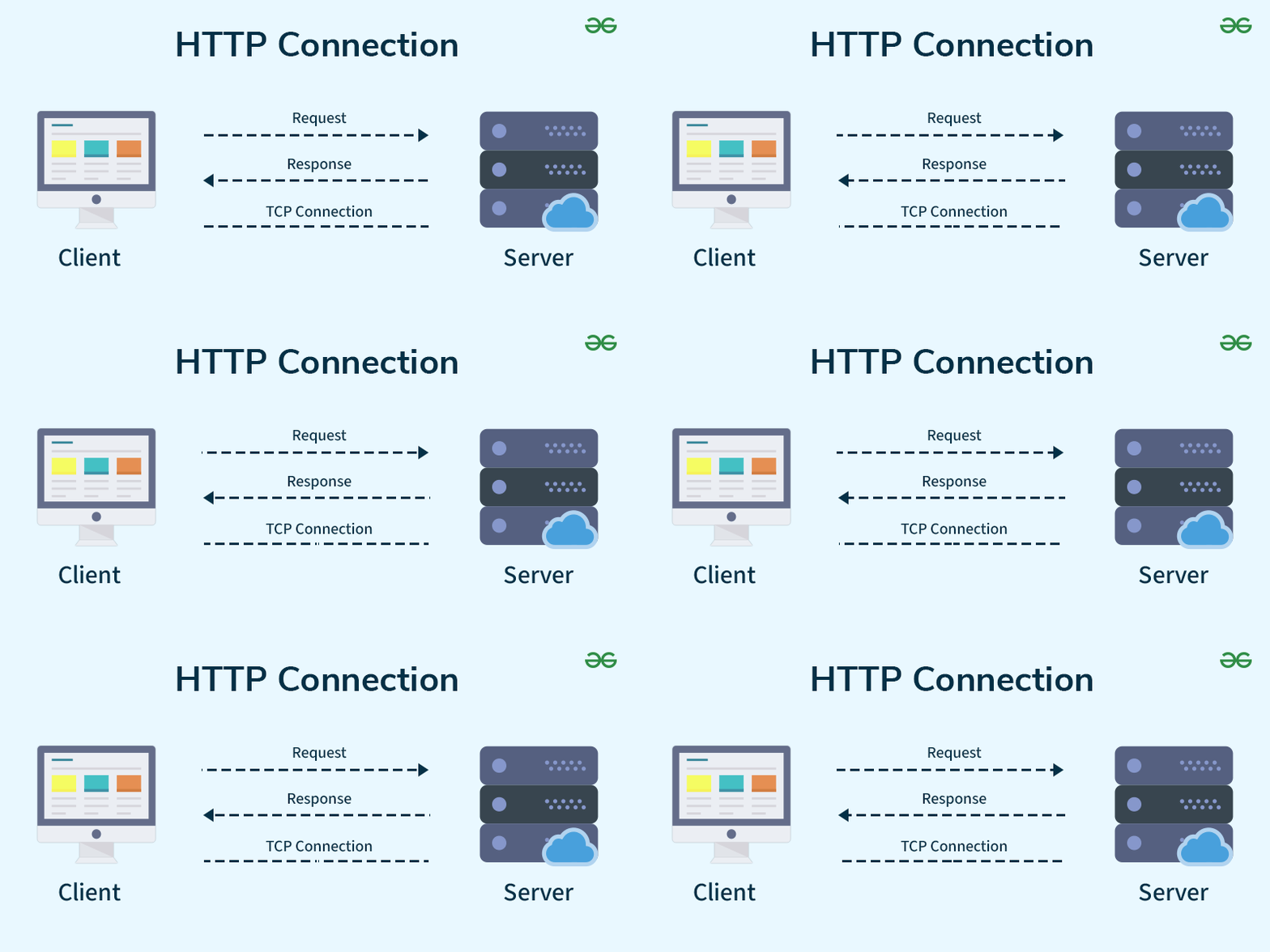
When you ran that command, cURL did the following:
Sent an HTTP request to the server
The server processed the request
The server sent back a response
cURL printed the response body
This is the basic request–response cycle.
Understanding Request and Response
Request
A request usually contains:
A URL
A method (like GET or POST)
Optional data or headers
Response
A response usually contains:
A status code (200, 404, 500, etc.)
Data (HTML, JSON, text)
Metadata (headers)
cURL shows you what the server actually returns.
Browser Request vs cURL Request
A browser:
Sends requests automatically
Renders HTML
Runs JavaScript
cURL:
Sends only the request
Shows the raw response
Does not render anything
Conceptually, both are doing the same network call.
Using cURL to Talk to APIs
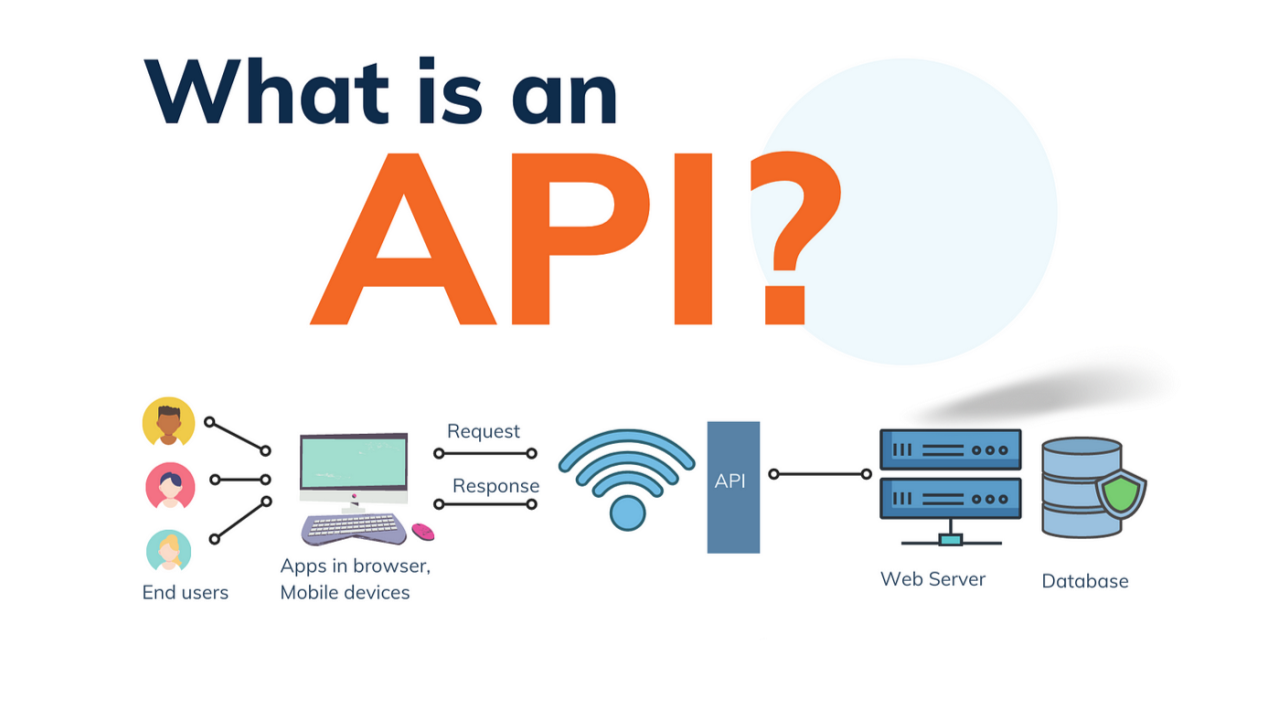
APIs are just servers that return data instead of web pages.
Example:
curl https://api.github.com
Instead of HTML, the server returns JSON data.
This is how developers:
Test APIs
Check responses
Debug backend behavior
GET and POST
GET
Used to fetch data.
curl https://api.example.com/users
POST
Used to send data.
curl -X POST https://api.example.com/users
At this stage, it’s enough to know:
GET reads data
POST sends data
You don’t need to learn all flags yet.
Common Mistakes Beginners Make with cURL
1. Expecting a Web Page to Look “Normal”
cURL shows raw output, not a rendered page. That’s expected.
2. Forgetting HTTPS
Many servers require HTTPS. Using HTTP may fail.
3. Assuming cURL Is Only for APIs
cURL can talk to any HTTP server, not just APIs.
4. Getting Overwhelmed by Flags
You don’t need advanced options on day one. Simple requests are enough.
Where cURL Fits in Backend Development
In real projects, cURL is used to:
Test backend endpoints
Debug server responses
Verify deployments
Reproduce production issues
Learn how APIs behave
It gives you direct visibility into what the server is doing.
Things to Remember
Server waits for requests
cURL sends a request
Server sends a response
cURL shows the response
That’s the entire loop.
Final Verdict
cURL is not complicated. It’s just a tool that removes the browser from the picture and lets you talk to servers directly.
Once you are comfortable sending simple requests and reading responses, many backend concepts become much easier to understand.

